About AdGuard
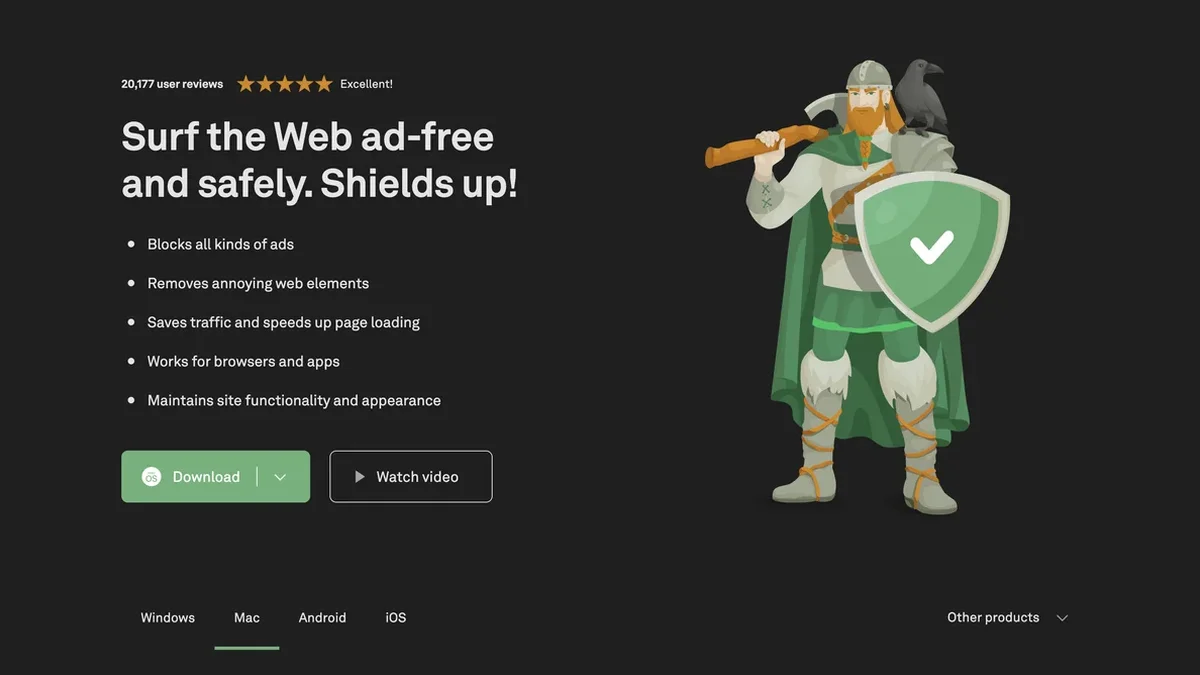
AdGuard is the comprehensive solution for blocking all types of online ads, stopping trackers, and safeguarding your devices against phishing and malware across all platforms.
Key Features
System-Wide Ad & Tracker Blocking
AdGuard eliminates all forms of online advertising—including banners, pop-ups, and video ads—not just within browsers but across various applications on your device, ensuring comprehensive coverage.
Advanced Phishing and Malware Defense
The software actively protects users by controlling access to dangerous sites, providing warnings about web threats, and guarding against phishing attempts and malware infections.
Customizable DNS Filtering
Utilize AdGuard DNS for a foolproof, application-free method to block internet ads network-wide, or customize DNS settings within the dedicated apps for tailored protection.
Enhanced Privacy and Data Security
AdGuard shields your identity by preventing websites and companies from collecting personal data through sophisticated web analytics and online trackers.
Optimized Page Loading Speed
By blocking ads and trackers before pages fully load, AdGuard significantly speeds up website rendering times, saves mobile data, and keeps the visual layout clean by hiding empty ad spaces.
Multi-Platform Support
Dedicated, optimized applications are available for Windows, Mac, Android, and iOS, ensuring consistent, high-quality ad-blocking and security regardless of your operating system.
Use Cases
Securing Home Networks with AdGuard Home
Install AdGuard Home once on your router to provide network-based ad and tracker blocking for every connected device without needing client software installation on individual gadgets.
Protecting Children Online
AdGuard for Windows and its mobile counterparts can shield children from inappropriate and adult content, offering parental control features alongside standard ad removal.
Maximizing Mobile Browsing on iOS
Users of AdGuard for iOS and Pro versions benefit from powerful Safari ad blocking, enhanced privacy protection, and the ability to customize DNS settings directly within the app.
System-Level Blocking for Linux Users
AdGuard for Linux provides the world's first system-wide ad blocker, allowing users to manage ad and tracker suppression via a command-line interface with custom filter options.
Enhancing Smart TV Experience
AdGuard for Android TV functions as a unique, all-in-one solution, blocking ads, guarding privacy, and acting as a firewall specifically for your Smart TV setup.
Maintaining Anonymity with Temporary Email
For users needing temporary digital identities, AdGuard Temp Mail offers a free service to generate anonymous email addresses, protecting inboxes from spam and unwanted tracking.
Frequently Asked Questions
What distinguishes AdGuard from standard browser extensions?
Most ad blockers are limited to browser extensions, requiring separate setup for each browser. AdGuard provides dedicated applications for Windows, Mac, Android, and iOS that block ads and trackers across browsers and apps system-wide.
Can AdGuard help speed up my internet browsing?
Yes, AdGuard significantly speeds up page loading because it blocks ads and trackers before the content fully renders, which also helps save on data usage.
Is AdGuard available for free?
Full-fledged applications for Windows, Mac, and Android offer a free trial period to explore all features. Furthermore, free versions of the apps are available for both Android and iOS devices.
Does AdGuard protect against online security threats?
Beyond ad removal, AdGuard actively fights trackers, shields your data, and provides protection against phishing attempts and malware by warning you about dangerous websites.
How can I get AdGuard installed on my device?
AdGuard apps for Windows, Mac, and Android can be downloaded directly from the main site, while the iOS version is available through the App Store. Installation instructions are available in the Knowledge base if needed.
Does AdGuard maintain website functionality after blocking ads?
Yes, AdGuard is designed to maintain site functionality and appearance, ensuring that removing annoying web elements does not break the intended layout or features of the website.