
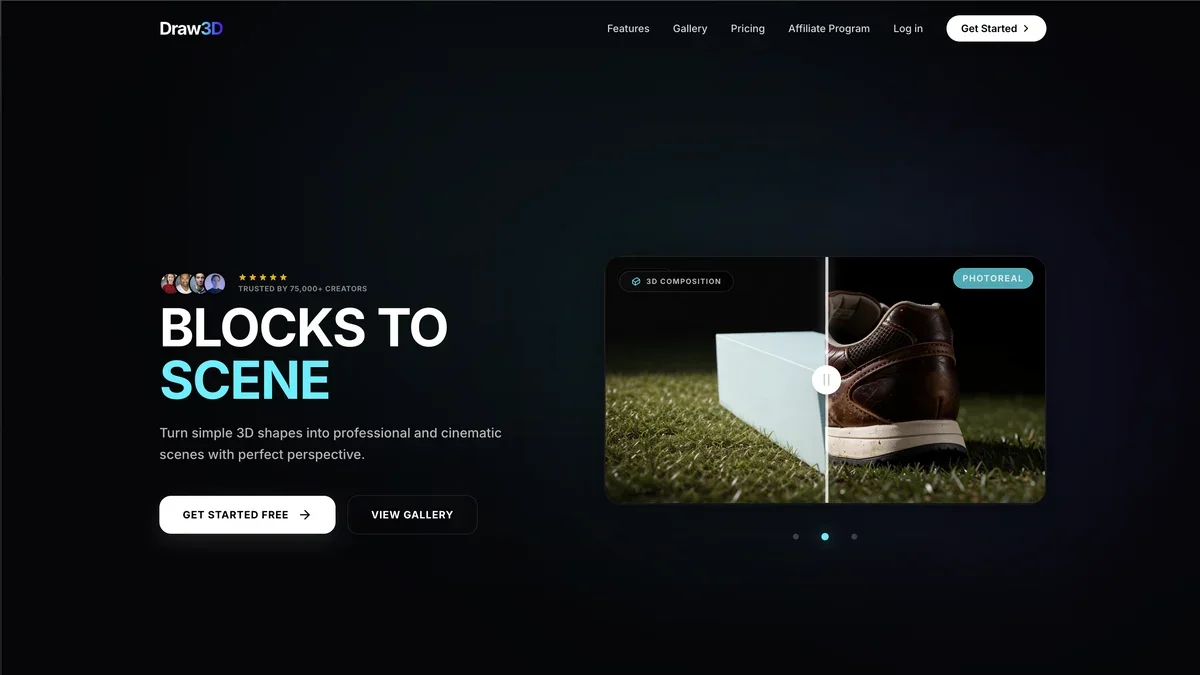
About Draw3D
Draw3D is an accessible, web-based application that allows users to create and manipulate three-dimensional models directly within their browser. It is ideal for beginners, educators, and professionals needing a fast way to prototype or visualize concepts without installing complex desktop software. The tool focuses on intuitive controls for basic geometric modeling and scene composition.
Key Features
Intuitive Browser-Based Interface
Users can start modeling immediately without any downloads or installations, leveraging a clean, responsive interface optimized for web browsers.
Basic Geometric Primitives
The tool supports the creation and manipulation of fundamental 3D shapes like cubes, spheres, cylinders, and cones, serving as building blocks for complex scenes.
Real-time Rendering and Preview
Draw3D offers immediate visual feedback as users adjust shapes, materials, and lighting, ensuring a smooth and efficient design workflow.
Simple Export Options
Users can export their creations in common 3D file formats, allowing for easy integration with other design software or 3D printing pipelines.
Material and Color Customization
Basic controls are provided to assign different colors and simple material properties (like shininess) to objects within the scene.
Use Cases
Rapid Concept Prototyping
Designers can quickly sketch out initial 3D concepts for products, architectural elements, or game assets before committing to detailed CAD software.
Educational Demonstrations
Teachers and students can use Draw3D to visualize geometric principles, spatial relationships, and basic engineering concepts interactively in a classroom setting.
Simple Scene Visualization
Create straightforward 3D mockups for presentations or internal reviews, such as arranging furniture in a room or visualizing a simple assembly.
Hobbyist 3D Printing Preparation
Users can design simple, functional objects that are ready to be exported and sent directly to a 3D printer for physical realization.
Web-Based Collaboration Practice
Teams can use the online nature of the tool to collaboratively review or sketch out spatial ideas during remote meetings.
Frequently Asked Questions
Is Draw3D available as a desktop application?
Currently, Draw3D is designed exclusively as a browser-based, online tool to maximize accessibility and minimize setup requirements.
What file formats can I export my models to?
Draw3D typically supports exporting models in standard formats such as OBJ or STL, suitable for most 3D printing and modeling software.
Do I need a powerful computer to run Draw3D?
Since it runs in the browser, Draw3D is relatively lightweight, though a modern browser and a decent graphics card will ensure the best real-time rendering performance.
Are there advanced features like sculpting or complex texturing available?
Draw3D focuses on simplicity and basic modeling; advanced features like complex sculpting or PBR texturing are generally not supported in this version.
Is there a paid tier with more features?
While the core functionality is available for free, check the official website for details on potential premium tiers that might unlock advanced export options or cloud storage.