About Elementor
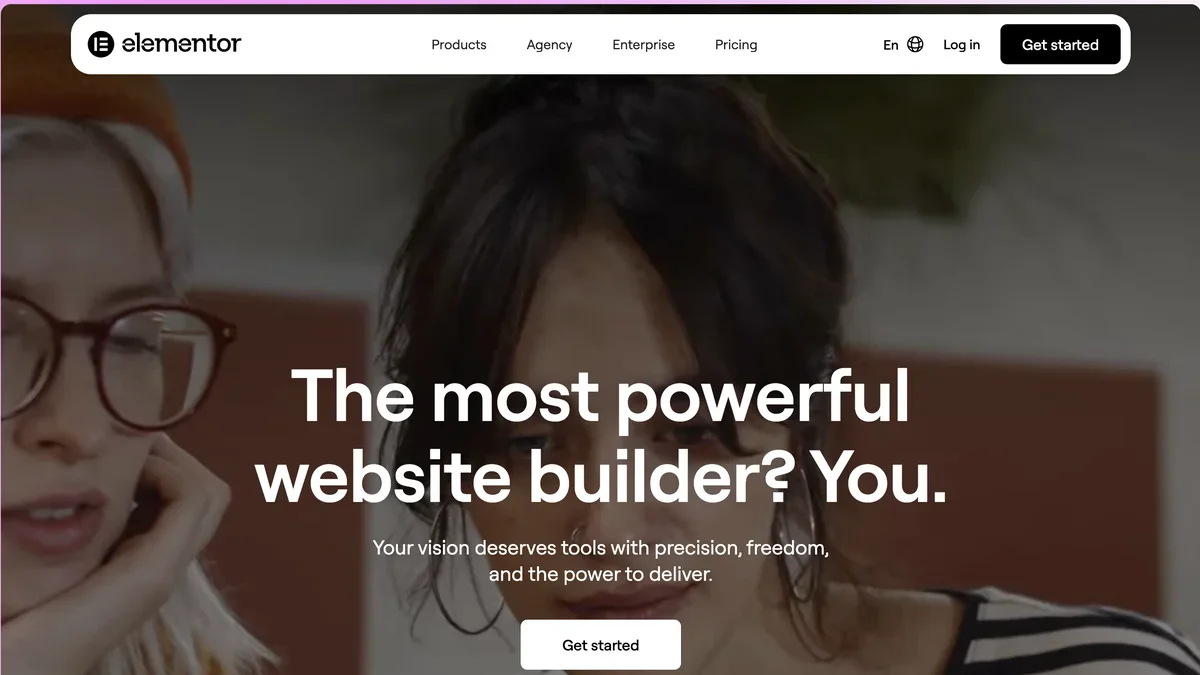
Elementor is the leading WordPress website builder offering a powerful drag-and-drop editor, advanced AI tools for planning and content creation, and comprehensive site management.
Key Features
Visual Drag-and-Drop Editor
Create every aspect of your website visually. Simply drag elements into place, drop them where needed, and customize styling in real-time without writing a single line of code, ensuring live editing accuracy.
Integrated Elementor AI Tools
Accelerate your workflow significantly by utilizing built-in AI capabilities for generating custom code snippets, crafting compelling website copy, designing unique images, and planning entire site structures via the AI Site Planner.
Global Design System
Maintain brand consistency effortlessly across large sites by defining Global Colors and Global Fonts once. These settings can then be applied instantly to any element, ensuring unified styling across headers, footers, and content.
Advanced Performance & Uptime
Benefit from always-on performance backed by 99.99% uptime and adaptive infrastructure. Features like automatic image optimization and responsive asset loading help improve Core Web Vitals for better search performance.
Comprehensive Theme & WooCommerce Building
Design the structural backbone of your site, including headers and footers, using the Theme Builder. For online stores, the WooCommerce Builder allows deep customization of the cart, checkout, and product pages.
High-Converting Form Builder
Capture leads effectively using professional forms, including multi-step options for better user experience. These forms support WebHook capabilities and integrate with your preferred marketing tools.
Use Cases
Rapid Prototyping with AI Site Planner
Users can quickly move from concept to a functional website draft by using the AI Site Planner to generate a detailed brief, sitemap, and initial wireframes in minutes, drastically cutting down initial planning time.
Building Pixel-Perfect E-commerce Stores
Designers can leverage the WooCommerce Builder alongside advanced customization tools for Cart and Checkout pages to create unique, high-converting online shopping experiences that perfectly match brand aesthetics.
Ensuring Cross-Device Consistency
Agencies and freelancers can guarantee client satisfaction by utilizing Responsive Editing tools, allowing precise adjustments for up to seven different device views to ensure every layout is perfect on mobile, tablet, and desktop.
Scaling Content-Driven Websites
For sites relying on personalized data, the Dynamic Content feature allows developers to scale data-driven pages and personalize visitor experiences using smart Display Conditions across various elements.
Streamlining Team Collaboration
Teams can speed up client approvals and internal alignment by using Collaborative Notes directly within the editor, providing contextual feedback on specific design elements or functionality.
Creating High-Impact Landing Pages
Marketers can quickly deploy specialized, high-converting landing pages directly within their existing WordPress environment using dedicated templates and the visual editor, optimizing for specific campaigns.
Frequently Asked Questions
Can I build a professional website without knowing how to code?
Yes, Elementor is specifically designed for code-free website creation, utilizing its visual drag-and-drop interface, templates, and AI assistance to handle complex design tasks.
What is the primary benefit of Elementor One over Elementor Pro?
Elementor One unifies the experience by including Editor Pro features alongside a shared monthly credit system for premium services like AI generation, image optimization, and email deliverability, removing the need for separate add-ons.
How does Elementor help improve my website's loading speed?
Elementor incorporates performance enhancements such as adaptive loading, automatic image optimization, and high-performance hosting options to help improve Core Web Vitals and overall site speed.
Do I need Elementor Pro to edit my standard blog posts?
Yes, while the core editor is free, editing dynamic content like individual blog posts requires an upgrade to Elementor Pro or higher plans.
How can I maintain consistent branding across my entire site structure?
Use the Global Editing features to set Global Fonts and Colors once; these styles are then automatically applied across all elements, including headers and footers managed via the Theme Builder.
What security and reliability features are included with Elementor Host?
Elementor Host provides enterprise-grade security, including threat monitoring, vulnerability scans, free SSL, automatic backups, and autoscaling infrastructure for reliable delivery.