About HISAB 360
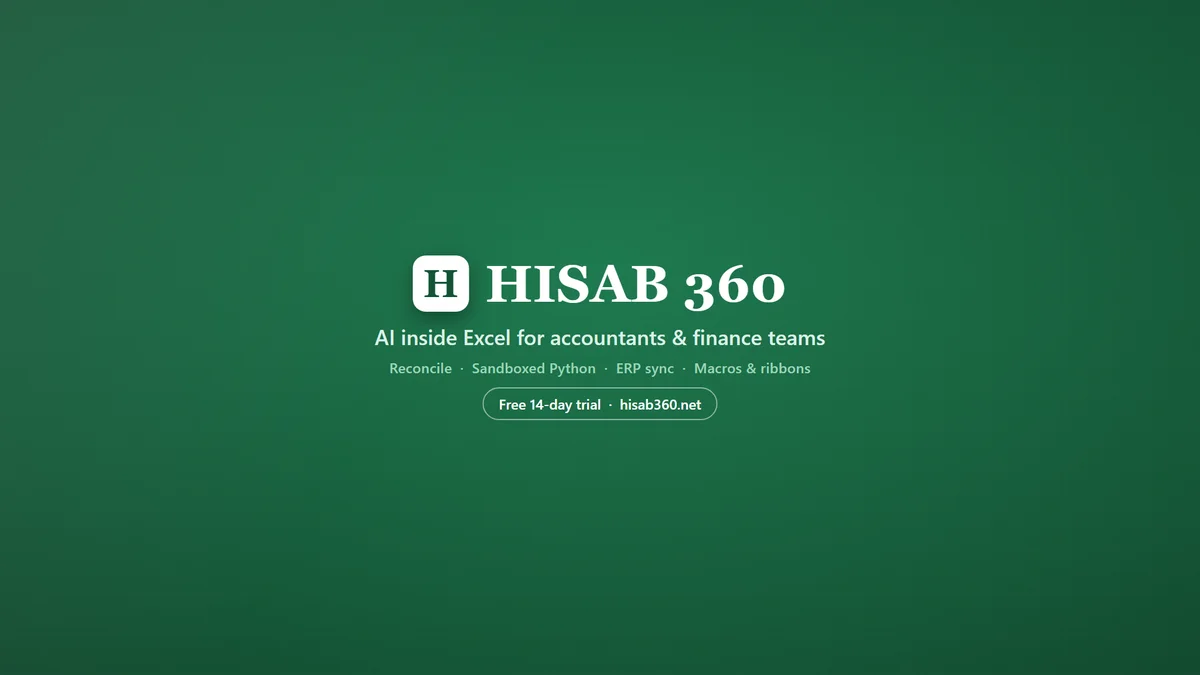
Describe a task in plain English and it cleans data, builds reports and charts, writes formulas and creates pivot tables. It generates complete VBA macros behind custom ribbon buttons, and runs Python locally so sensitive financial data never leaves your machine. It posts invoices, journals, payments and reconciliations to Xero, QuickBooks Online, Zoho Books and Odoo with approval gates and a full audit log. The site also has free AI formula and VBA macro generators, no signup.
Key Features
AI-Powered Analysis
Describe a task in plain English, and HISAB 360 will clean data, build reports and charts, write formulas, and create pivot tables, eliminating the need to memorize complex syntax.
ERP Integration and Write-Back
Seamlessly pull live data from Odoo, Xero, QuickBooks Online, and Zoho Books into Excel, and post approved changes back to your ERP system with a full audit log.
Approval Gates and Governance
Configure which actions require explicit approval, such as pushing data to the ERP or deleting rows. The AI proposes actions, and you decide, ensuring a controlled and auditable process.
Local Python Execution
Run heavy analyses using Python libraries like pandas and numpy directly within Excel. Sensitive financial data never leaves your machine, ensuring security and privacy.
VBA Macro and Ribbon Builder
Generate VBA macros and custom Excel ribbon buttons from plain-English instructions, streamlining repeatable workflows and custom commands without requiring manual coding.
Audit-Grade Traceability
Every write operation is journaled, destructive operations require approval, and credentials are DPAPI-encrypted. HISAB provides an audit trail for all actions, making it suitable for regulated close work.
Use Cases
Month-End Close Automation
Automate routine month-end tasks such as accruals, reconciliations, and variance analysis. HISAB drafts these by AI, allowing finance teams to review and post them in minutes instead of hours.
Bank Reconciliation
Easily reconcile bank statements with your general ledger. HISAB matches transactions, flags mismatches, and drafts journal entries, significantly reducing the time spent on this critical task.
Audit Preparation and Evidence Gathering
Generate audit-ready reports, including sample selections, control testing workpapers, and deficiency classifications. All steps are traceable, and an exportable evidence pack can be generated for auditors.
Financial Statement Generation
Build a 3-statement financial model (income statement, balance sheet, and cash flow) from a prompt. HISAB can also auto-classify, map, and tie out trial balances to financial statements.
Data Cleaning and Transformation
Clean and transform data from various sources, including ERP exports and folders of files. HISAB can write Power Query for you to create refreshable tables, eliminating manual data manipulation.
Ad-Hoc Financial Analysis
Perform quick, ad-hoc analyses by simply asking questions in plain English, such as "Show me which customers paid late this quarter." HISAB provides the answer within seconds, directly in your Excel sheet.
Frequently Asked Questions
How does the 15-day free trial work?
Install HISAB and sign in to get every feature free for 15 days, plus 50 HISAB AI credits to try the built-in AI, with no credit card needed. The trial is available once per machine.
Own AI vs HISAB AI — which should I pick?
They're the same product; the only difference is who provides the AI. 'Own AI' is for users with their own Anthropic or OpenAI account, while 'HISAB AI' has the AI built-in and metered in credits.
What exactly is a credit, and how many do I need?
1 credit = 1¢ of AI usage. A typical question on everyday models is about 2 credits, so Basic's 500 credits ≈ 250 questions a month and Plus's 1,200 ≈ 600. Heavier models burn faster.
Do credits expire?
Monthly plan credits reset each billing cycle and do not roll over. Top-up packs never expire and are used after your monthly allowance is depleted.
What happens when I run out of credits?
The AI pauses until your next monthly reset or until you purchase a top-up pack. Other HISAB features continue to work.
Where is my data stored?
Your workbook stays on your machine; HISAB never uploads your sheets. Only the specific context you ask about is sent to the AI. Configurations, logs, and skills are stored locally in %APPDATA%\HISAB.