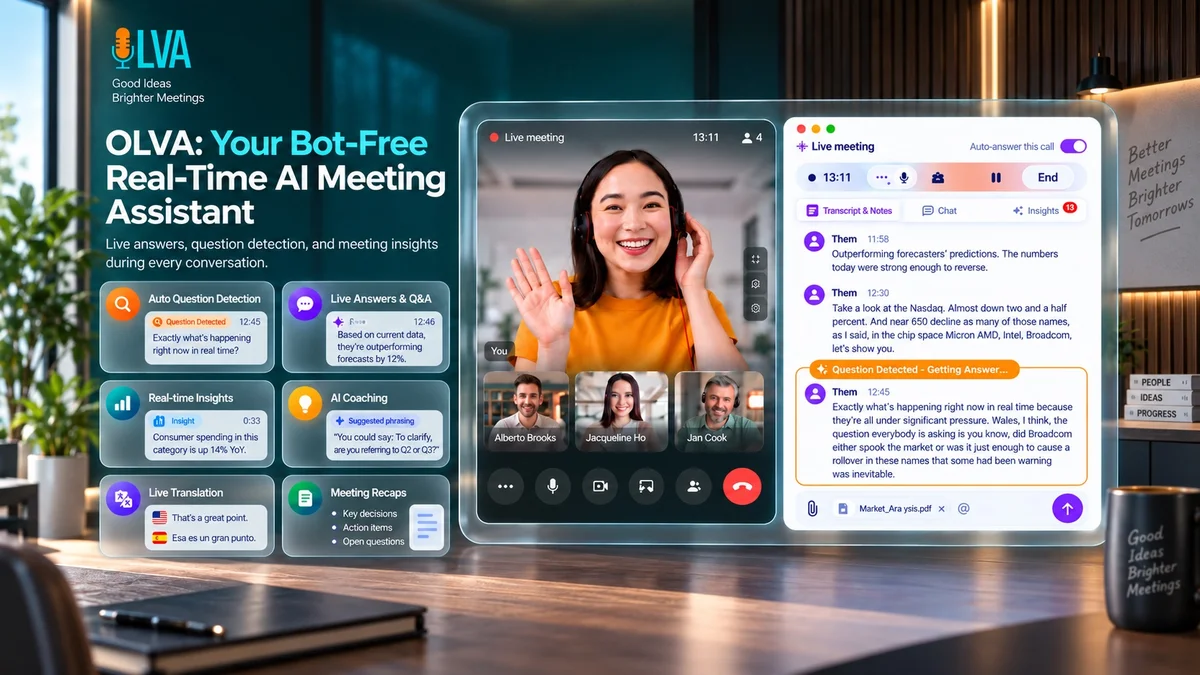
About OLVA.ai
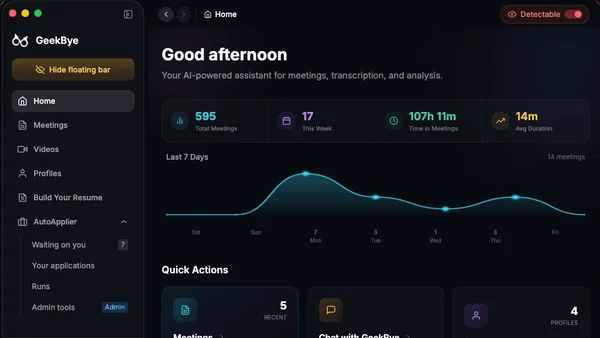
OLVA.ai provides real-time transcription, live coaching, and intelligent meeting summaries without ever joining your calls as a participant. Stay present while your AI assistant handles notes, fact-checking, and follow-up insights in the background.
Key Features
Bot-Free Capture
OLVA operates directly from your device, capturing audio without joining your Zoom, Teams, or Google Meet calls as a visible participant. This ensures your meeting roster stays clean and your workflow remains uninterrupted by third-party bots.
Real-Time AI Coaching
Receive live guidance, suggested follow-up questions, and sharper framing during your conversations. OLVA listens to the context of your meeting to help you respond with confidence and clarity in the moment.
Document-Aware Intelligence
Upload PDFs, Word documents, or PowerPoint files to provide OLVA with specific context. The AI uses these documents to deliver highly relevant answers, fact-checks, and insights tailored to your specific project or client needs.
Multilingual Support
Break down language barriers with support for up to 87 languages and regional dialects. OLVA offers real-time transcription and optional live translation, making it an essential tool for global teams and international business travel.
Automated Meeting Recaps
After your call, OLVA automatically generates comprehensive minutes, action items, and risk assessments. This searchable meeting memory allows you to revisit key decisions and follow-up tasks without manual note-taking.
Use Cases
Sales and Client Calls
Use OLVA to stay ahead during high-stakes sales meetings by receiving live coaching prompts and real-time fact-checks. The bot-free nature of the tool ensures clients feel comfortable while you capture every detail for better follow-up.
Global Team Collaboration
Leverage OLVA’s dual-language conversation mode and real-time translation to facilitate seamless communication between team members who speak different languages. It ensures everyone stays aligned regardless of their native tongue.
In-Person Consultations
Take OLVA into the boardroom or field using the mobile app. It captures in-person discussions, providing the same level of transcription and intelligence as it does for virtual meetings, ensuring no detail is lost.
Project Management
Keep projects on track by uploading relevant documentation as context for your meetings. OLVA uses this data to provide instant answers to technical questions, helping you manage complex workflows without searching through files.
Executive Strategy Sessions
Focus entirely on the conversation while OLVA handles the heavy lifting of documentation. Its ability to generate editable PowerPoint slide decks from meeting transcripts saves hours of post-meeting administrative work.
Frequently Asked Questions
Does OLVA join my meetings as a participant?
No, OLVA is a bot-free assistant. It captures audio directly from your device, meaning it never appears on the meeting roster or requires an invite to your calendar events.
Can I use OLVA for in-person meetings?
Yes, the OLVA mobile app allows you to record in-person conversations, providing live transcription and meeting memory just as it would for a virtual call.
How does OLVA handle sensitive or confidential information?
OLVA does not store your meeting audio or video files. It processes audio only to generate transcripts and insights, keeping your data private and aligned with professional security standards.
Can I customize the AI's intelligence level?
Yes, you can choose between Light, Balanced, and Deep models depending on your needs. Balanced is the default, while Deep provides more advanced reasoning for complex tasks.
What happens if my internet connection drops during a meeting?
OLVA is resilient; if your connection drops, the app preserves the in-progress transcript and insights, allowing you to resume your work seamlessly once you are back online.