About Fasting Diet App
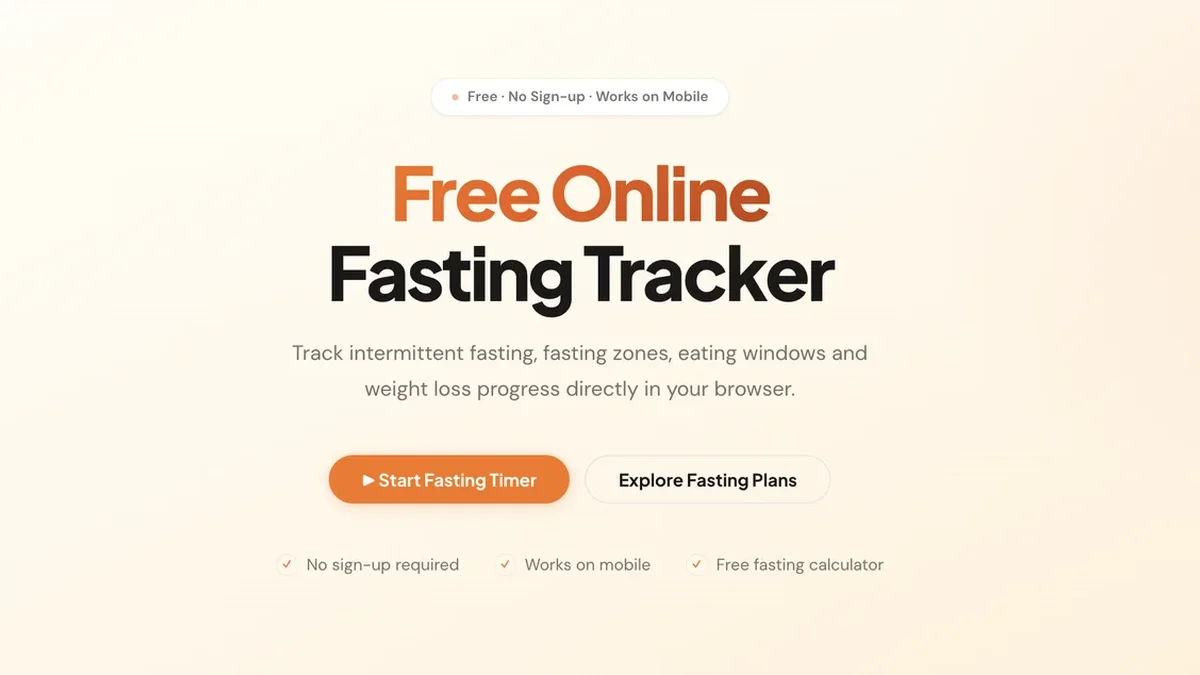
The Fasting Diet App provides an instant, no-signup intermittent fasting timer, tracking your progress through critical metabolic zones like Ketosis and Autophagy.
Key Features
Real-Time Fasting Timer
Start tracking your chosen intermittent fasting schedule instantly. The timer provides real-time updates on your current status, ensuring you know exactly how long you have fasted.
Metabolic Fasting Zone Visualization
Understand your body’s metabolic shifts as you fast. See visual indicators for key stages including Fat Burning, Ketosis, Autophagy, and Immune Reset based on your duration.
Free Eating Window Calculator
Determine your optimal eating and fasting periods effortlessly. Use the integrated calculator to establish precise start and end times for your daily eating window.
Zero Sign-Up Required
Gain immediate access to all tracking features without providing any personal information. The tool prioritizes privacy by requiring no registration whatsoever.
Local Data Persistence
All your tracking history, weight logs, and fasting progress are securely saved locally within your browser, ensuring your data remains private and instantly accessible across sessions.
Comprehensive Plan Comparison
Easily compare popular intermittent fasting schedules side-by-side, including 16:8, 18:6, and OMAD, to select the protocol best suited for your goals.
Use Cases
Beginners Starting IF
New users can utilize the 12:12 schedule initially, progressing safely to 16:8 as guided by the tool's structure, ensuring a sustainable entry into intermittent fasting.
Optimizing Fat Loss Protocols
Experienced fasters can leverage the zone tracker to push past the initial fat-burning stage and maximize time spent in Deep Ketosis or Autophagy for enhanced metabolic benefits.
Tracking OMAD Consistency
Individuals practicing One Meal A Day (OMAD) can use the precise timer to ensure their 23-hour fast is maintained accurately, while monitoring the transition into deeper fasting states.
Comparing Fasting Schedule Effectiveness
Use the side-by-side comparison feature to analyze the theoretical benefits of different protocols (like 18:6 vs. 20:4) before committing to a new routine.
Mobile-Friendly Progress Monitoring
Track your ongoing fast accurately while on the go, as the tool is fully optimized to work seamlessly on mobile devices for continuous progress logging.
Frequently Asked Questions
Which fasting schedule is recommended for beginners?
For individuals new to intermittent fasting, the 12:12 fasting schedule is the best starting point, allowing the body to adapt before moving towards more intensive protocols like 16:8.
How does the tool help me reach Ketosis?
By monitoring your real-time fast duration, the app shows you precisely when you are projected to enter the Fat Burning and Ketosis zones, helping you structure your fasts effectively.
Is signing up necessary to use the timer?
No, one of the core benefits is that no sign-up is required. You can start tracking your intermittent fasting immediately in your browser.
Which plan burns the most fat according to the tool's principles?
Longer fasts generally burn more fat; plans like 18:6 and 20:4 push the body further into fat-burning and ketosis compared to shorter windows.
Where is my fasting data stored?
All tracking data, including your progress and weight logs, is saved locally directly within your browser, ensuring maximum privacy and quick access.