About Keebye
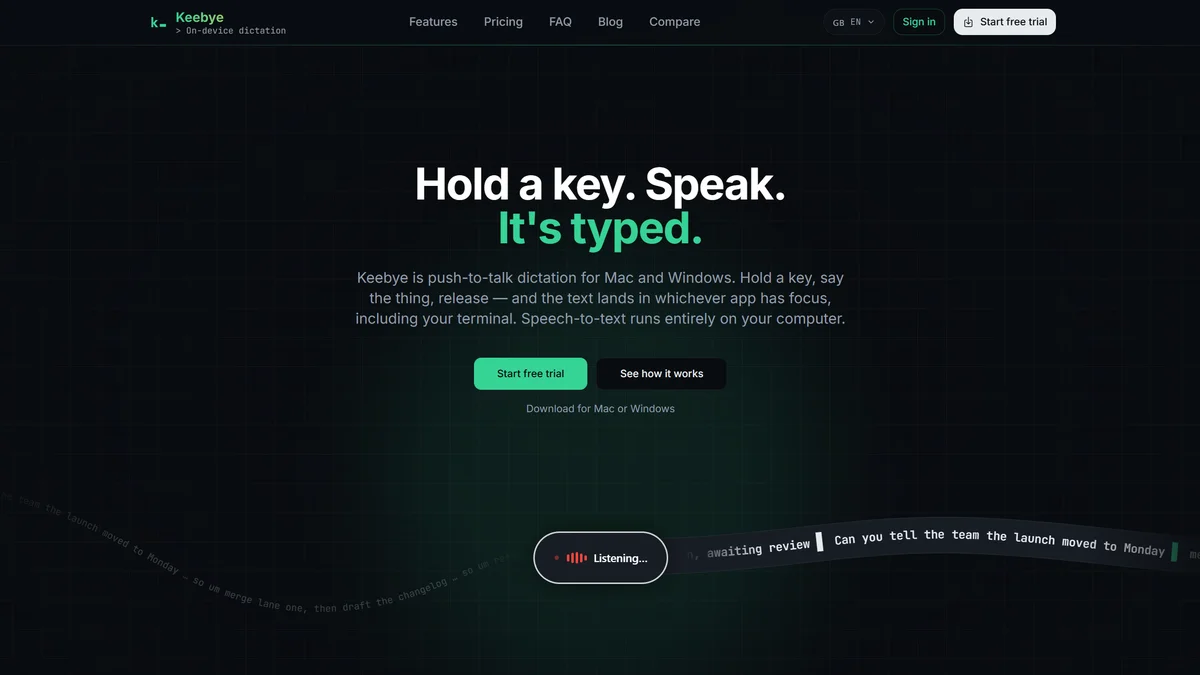
Keebye is a privacy-first voice dictation tool designed for developers and power users. Convert speech to clean text directly in your active application with a simple push-to-talk shortcut, keeping your data local.
Key Features
On-Device Speech Recognition
Experience true privacy as Keebye's speech-to-text engines run entirely on your computer. No cloud transcription, no wake words, and no external processing of your voice data ensures maximum security and offline functionality.
Push-to-Talk Dictation
Dictate with precision using Keebye's intuitive push-to-talk functionality. Simply hold your designated hotkey, speak, and watch your words instantly appear in your active application, ensuring the microphone is only active when you intend it to be.
Terminal-Aware Insertion
Keebye intelligently pastes text into your terminal, supporting SSH, tmux, and non-QWERTY layouts with synthetic typing. This feature ensures your commands and code snippets land exactly where you need them, even in complex command-line environments.
Custom Vocabulary Support
Ensure your jargon is always spelled correctly. Teach Keebye your product names, technical terms, and specific phrases through a custom dictionary, guaranteeing accurate transcriptions of your unique vocabulary every time.
Local & Private History
Your transcribed text is stored locally on your machine as plain text only and automatically deletes after 30 days. Keebye prioritizes your privacy with no telemetry or analytics, ensuring your dictation history remains completely private.
Multilingual and Native Engine Options
Choose from 25 languages with the multilingual Canary engine or leverage Apple's native engine for seamless integration with your Mac's system language. Keebye adapts to your linguistic needs for global productivity.
Use Cases
Streamlining Code Dictation
Developers can dictate code snippets, function names, and comments directly into their IDEs. Keebye's accuracy and ability to handle technical jargon, combined with push-to-talk, significantly speeds up the coding process without breaking focus.
Enhancing Terminal Productivity
Power users can dictate complex terminal commands, navigate directories, and manage processes hands-free. Keebye's terminal-aware insertion and synthetic typing ensure commands are accurately entered, even within SSH sessions or tmux environments.
Accelerating Documentation Writing
Effortlessly draft documentation, notes, and reports by speaking your thoughts. Keebye converts your speech into clean text, stripping out common dictation errors and allowing you to focus on content creation rather than typing.
Improving Communication Workflow
Dictate emails, messages, and chat responses directly into your preferred communication applications. Keebye's seamless integration and privacy-focused approach make it ideal for quickly composing messages without compromising sensitive information.
Offline Productivity for Remote Work
For users working in environments with unreliable internet, Keebye's offline dictation capabilities are invaluable. Transcribe speech into text without an internet connection, ensuring productivity is maintained regardless of network availability.
Personalized Technical Terminology
Ensure your specific industry or project terms are recognized accurately. By adding custom words to Keebye's dictionary, you guarantee that product names, acronyms, and technical jargon are transcribed correctly, reducing post-dictation editing time.
Frequently Asked Questions
Does my audio leave my computer?
No. All speech-to-text engines in Keebye operate entirely on-device. The network is solely used for downloading speech models, checking for application updates, and verifying your trial or paid plan status. Your audio data never leaves your machine.
Can I use Keebye without an internet connection?
Yes. Once you have downloaded the necessary speech models, Keebye's transcription functionality works completely offline. This ensures you can dictate and convert speech to text even when you don't have an internet connection.
What languages does Keebye support?
Keebye offers a default English-tuned engine. For broader language support, you can switch to the multilingual Canary engine, which supports 25 languages. On a Mac, Keebye can also utilize Apple's native engine, leveraging your system's configured language.
Which applications are compatible with Keebye?
Keebye works with any application that accepts text input. It inserts text by pasting or using synthetic typing, and it includes terminal-aware handling for applications like iTerm2, Warp, and Windows Terminal. On macOS, it is designed to avoid typing into secure password fields.
Is my voice data used for training or analytics?
Absolutely not. Keebye has no telemetry or analytics features. All audio processing occurs on your device, and your voice data is never uploaded. Your dictation history is stored locally as text only and is automatically deleted after 30 days, ensuring complete privacy.
What are the benefits of Keebye over built-in dictation tools?
Keebye offers advanced workflow features not found in standard dictation tools, such as a dedicated push-to-talk key for precise control, terminal-aware text insertion for command-line environments, a custom dictionary for accurate jargon, and optional on-device LLM polish for cleaner output.