About Notevibes
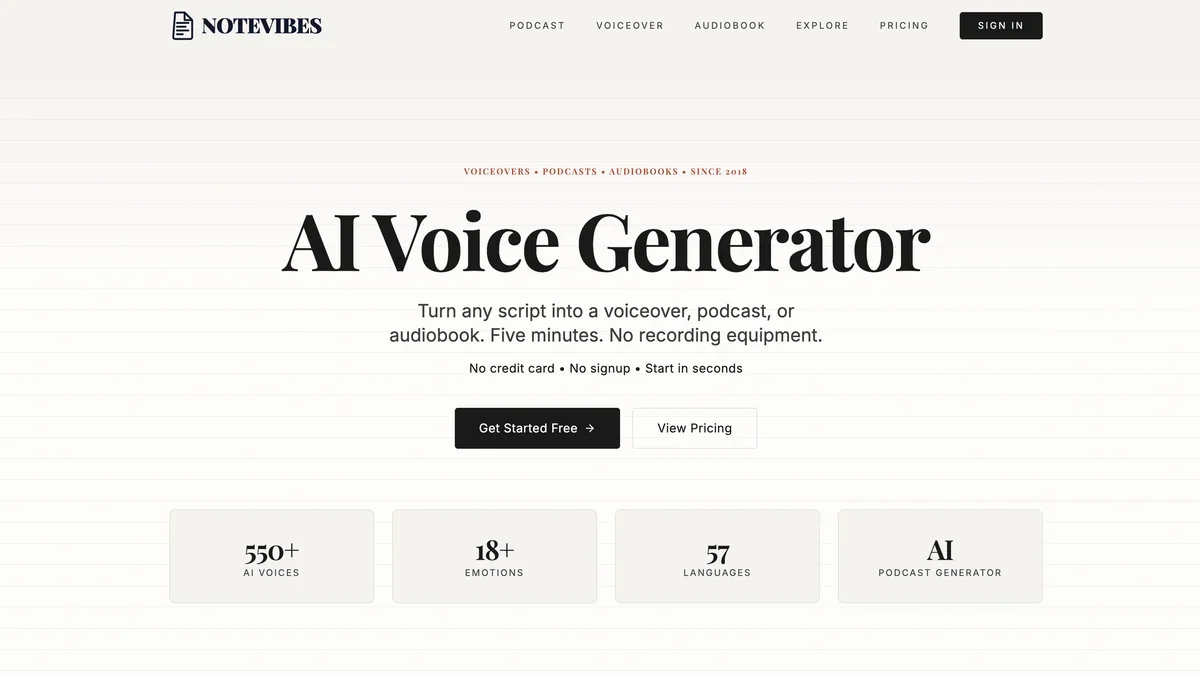
Notevibes transforms written study materials, articles, or meeting notes into high-quality audio lectures using advanced text-to-speech technology. This tool is ideal for students, professionals, and lifelong learners who want to consume information hands-free, during commutes, or while multitasking. It helps users create personalized audiobooks from their notes, making studying more flexible and accessible.
Key Features
Text-to-Speech Conversion
Upload or paste text content and instantly convert it into spoken audio lectures using various natural-sounding voices.
Voice Customization
Users can select from a wide range of voices, adjust speaking speed, and modify pitch to create an audio experience that suits their preferences.
Multi-Format Export
Audio lectures can be downloaded in common formats like MP3, allowing for offline listening on any device.
Long-Form Content Support
The platform is designed to handle extensive documents, turning entire chapters or long articles into coherent audio files.
Language Support
Notevibes supports multiple languages, enabling users to create audio content in the language of their source material.
Use Cases
Hands-Free Studying
Students can convert dense textbook chapters or lecture notes into audio to listen to while commuting, exercising, or doing chores.
Content Accessibility
Individuals with visual impairments or reading difficulties can use the tool to access written information auditorily.
Multitasking Productivity
Professionals can listen to long reports, meeting transcripts, or industry articles during periods when reading is impractical, maximizing productivity.
Language Learning Aid
Users can practice listening comprehension by converting foreign language texts into audio lectures spoken by native-sounding voices.
Review and Revision
Creating audio summaries of complex topics allows for quick, passive review sessions before exams or important presentations.
Frequently Asked Questions
What file formats can I download the audio in?
Currently, Notevibes primarily supports downloading the generated audio lectures in the widely compatible MP3 format.
Is there a limit to the amount of text I can convert for free?
Yes, the free tier usually imposes limitations on the length or number of conversions per month; specific limits are detailed on their pricing page.
Can I upload my own documents like PDFs or Word files?
Yes, the platform typically allows uploading common document formats such as PDF, DOCX, or plain text files for conversion.
Are the voices robotic or natural sounding?
Notevibes utilizes advanced AI text-to-speech technology, offering voices that are designed to sound highly natural and expressive.
Does Notevibes support languages other than English?
Yes, the service generally supports a variety of languages, allowing users to generate audio content in the language of their input text.